

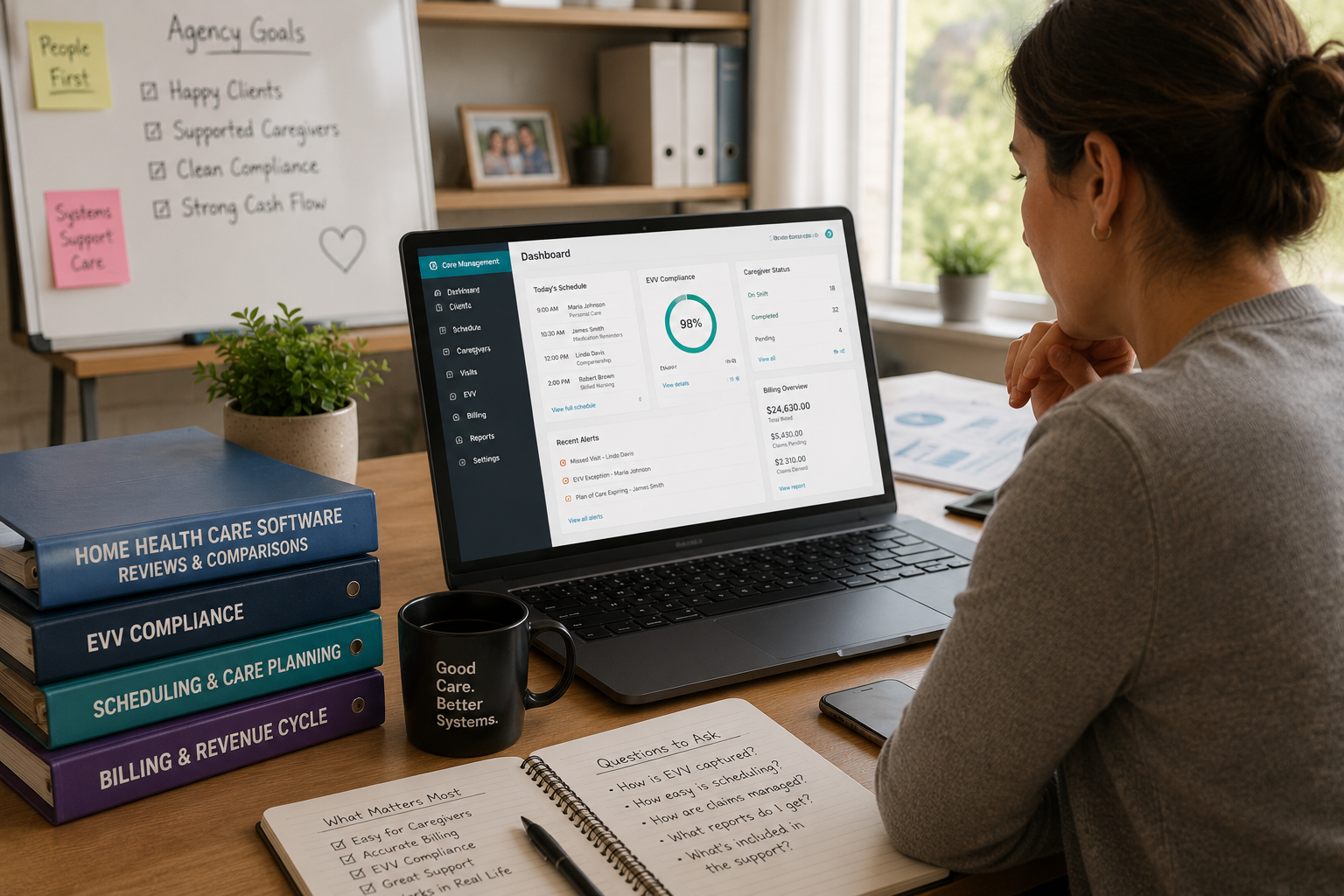
Home health care software reviews get thrown around a lot, but most of them read like a spec sheet with a smiley face slapped on top. I’ve spent years knee-deep in agency operations, and what actually separates a good platform from an expensive headache rarely shows up in a features list.
This piece walks through home health care software reviews the way an operator would explain them over coffee — messy details included. We’ll look at EVV compliance, caregiver scheduling, and billing accuracy, because those three things quietly decide whether your agency runs smooth or falls apart by Thursday. No fluff, just what actually matters when picking a system your staff won’t fight with.
Why Most Home Health Care Software Reviews Miss the Point

There’s a pattern I’ve noticed across dozens of these write-ups: they’re built by people who’ve never fielded a 6 a.m. no-show call from a caregiver stuck in traffic.
They stack up pricing tiers, screenshot a dashboard, maybe throw in a star rating. Useful, sure, in a limited way. But none of that touches the moment a nurse is standing in someone’s living room while the app freezes mid-visit-log.
Closing that gap is basically the whole point of this article.
What Agencies Actually Get Wrong When They Buy Blind
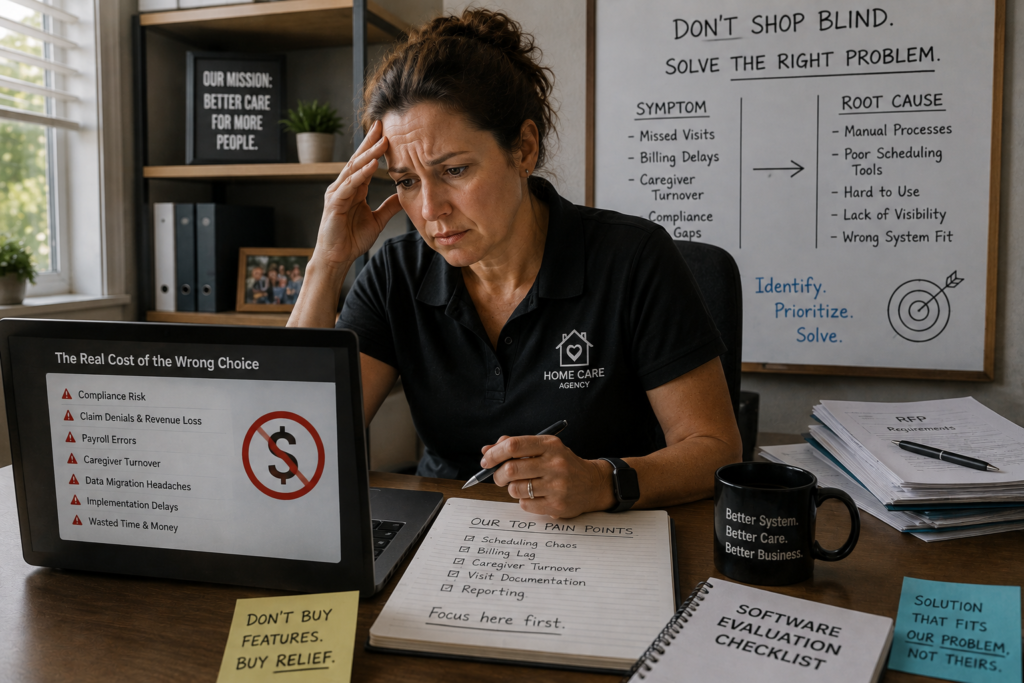
Plenty of owners shop for care software the way they’d shop for a copier — grab whatever’s cheapest that technically checks the boxes. Understandable, given how tight margins have gotten lately.
Except a copier doesn’t touch payroll, patient safety records, and Medicare compliance simultaneously. One wrong purchase here and you’re not mildly inconvenienced — you’re exposed to real regulatory risk.
A better starting point: figure out your actual pain point first. Is it scheduling chaos? Billing lag? Caregivers quitting within ninety days? Shop for that specific wound, not a generic bundle.
Scheduling and Caregiver Matching — Where Platforms Either Shine or Sink
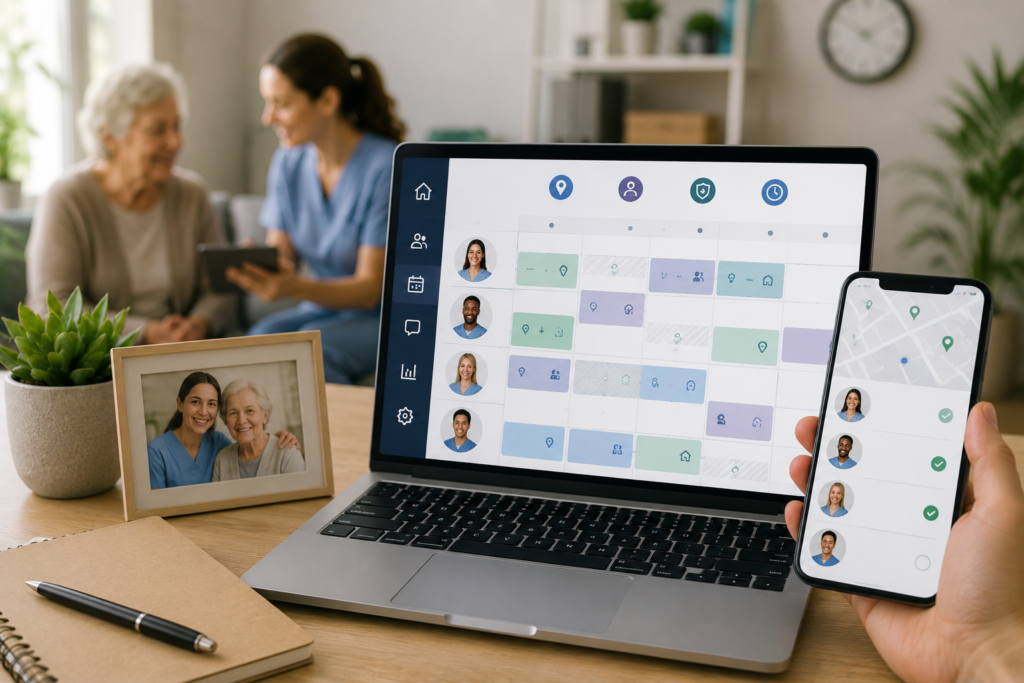
Scheduling tends to be where agencies quietly hemorrhage cash without noticing. Clunky matching tools mean office staff burn hours reshuffling shifts by hand — unpaid, invisible labor that adds up fast.
Solid platforms auto-pair caregivers with patients using location, skill certification, and open availability, shrinking that manual scramble down to a handful of minutes. Trivial-sounding, until you multiply it across forty caregivers every week, every month.
Industry observers have pointed to this shift toward automated matching as part of the broader growing tech adoption trends separating agencies that scale from ones that plateau. Home Health Care News
EVV, OASIS, and the Compliance Layer Nobody Talks About Enough
Unglamorous section incoming, but it’s the one that keeps Medicare reimbursements arriving on schedule. Electronic Visit Verification isn’t a nice-to-have in most states anymore — it’s mandated, and software that treats it as an add-on module will eventually burn you.
Push for a system where EVV lives inside the core workflow rather than bolted on as a separate piece that trails behind state-level rule changes.
Same logic applies to OASIS data exports — they need to line up with CMS home health quality standards, because mismatched formatting means rejected submissions and stalled payments. I’ve personally watched an agency lose three weeks untangling exactly that mess. CMS
Billing, Claims, and the Money Side of Home Health Care Software Reviews
Reader intent behind most home health care software reviews usually boils down to one question: will this thing get me paid correctly. Multi-payer handling — Medicare, Medicaid, private pay, occasionally commercial insurance — needs to sit inside one unified workflow, not scattered across separate logins.
Bounce between disconnected systems to reconcile claims, and things slip through. Denials stack up, cash flow turns choppy, and your billing team starts dreading Monday mornings specifically.
A platform smart enough to flag approaching authorization limits before a caregiver exceeds approved hours saves you from overbilling explanations nobody enjoys giving an auditor.
A Straight Comparison Table of What Matters
Most comparison charts floating around online are vendor-sponsored fluff dressed up as objectivity. Here’s one built around what actually breaks agencies operationally, not what closes a sale.
| Category | Look For | Red Flag |
| Scheduling | Real-time caregiver-to-patient matching | Manual reshuffling every single day |
| EVV & Compliance | Native, state-specific EVV built in | Bolt-on EVV that lags behind updates |
| Billing | Multi-payer support in one workflow | Rigid single-payer setup |
| Mobile App | Offline mode for spotty-signal visits | Frequent crashes without connection |
| Reporting | Exportable, audit-ready OASIS data | Data locked inside the platform |
Run your shortlist through this filter before booking a single demo. It’ll spare you an hour-long pitch for something that fails right at row one.
Mobile Apps and Caregiver Adoption — The Make-or-Break Detail
Unpopular opinion, maybe: the mobile app matters more than nearly everything else on this list combined. Field caregivers live inside that app daily — not the office manager comparing vendor brochures.
A sluggish, ugly, or connection-dependent app pushes caregivers toward workarounds — scribbled paper notes, texting a supervisor instead, skipping documentation altogether. Which quietly defeats the entire reason for buying software in the first place.
Test the app yourself, ideally somewhere with terrible signal, before signing anything at all.
Reading Home Health Care Software Reviews Without Getting Fooled
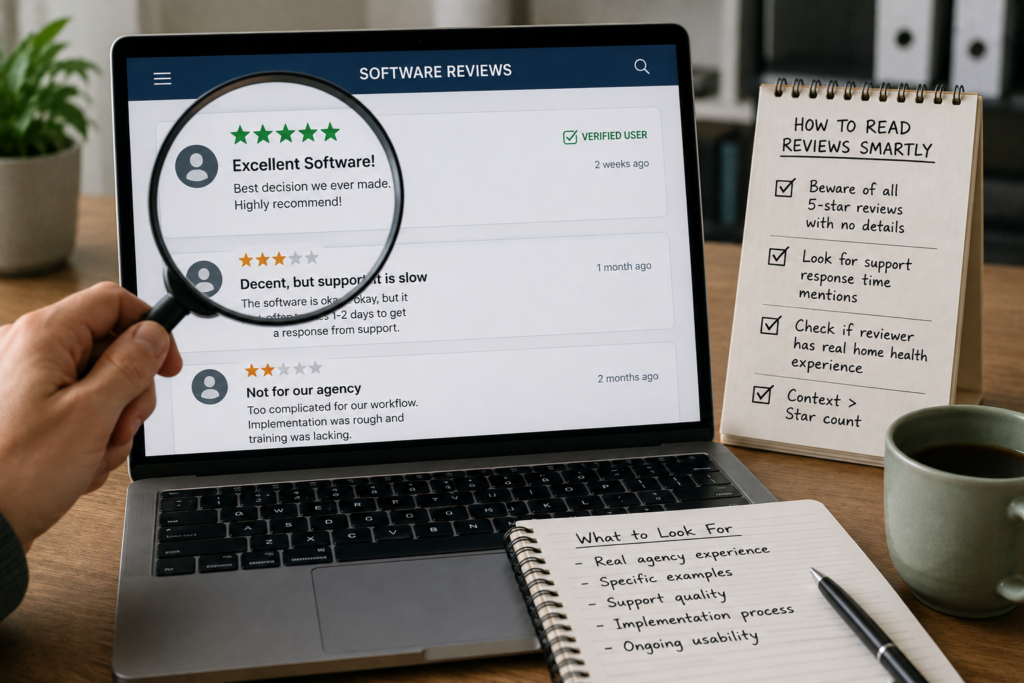
A handful of warning signs worth flagging while scrolling through home health care software reviews online. Wall-to-wall five stars with zero specifics? That pattern usually signals a paid placement, not genuine agency experience.
Watch for mentions of support response times specifically. Software that looks flawless on paper but sits behind a two-day support queue during a billing emergency isn’t actually flawless.
Also worth checking: did the reviewer ever work inside home health operations, or are they a general software blogger padding out a listicle for traffic? Context outweighs star counts here every time.
Frequently Asked Questions
What should I look for first in home health care software reviews?
Prioritize mentions of EVV compliance and real support response times over generic star ratings. Vague five-star reviews without specifics usually signal paid placements rather than honest agency experience.
Are free trials worth testing before buying home health software?
Absolutely. A trial exposes scheduling quirks and mobile app reliability that no review or demo video will ever reveal. Test it during a genuinely busy operational day.
How much does home health care software typically cost monthly?
Pricing varies widely by caregiver headcount and feature depth, ranging from modest per-caregiver fees to flat agency-wide subscriptions. Always ask about hidden implementation or training costs upfront.
Can small home health agencies use enterprise-level software?
Many platforms scale down reasonably well, but overpaying for unused enterprise features happens often. Smaller agencies typically fare better with modular platforms that expand alongside their caseload gradually.
Do reviews accurately cover EVV compliance details?
Not consistently — many reviews emphasize interface design over compliance depth. Cross-check EVV claims against your specific state’s requirements rather than trusting review summaries at face value.
What’s the biggest mistake agencies make switching software?
Rushing data migration. Patient records, authorization histories, and billing data need careful transfer, or agencies end up with gaps that surface unexpectedly during audits months later.
How long does full software onboarding usually take?
Expect roughly four to eight weeks for a mid-sized agency, depending on staff training pace and how much historical data needs migrating. Rushed onboarding tends to backfire badly.
Should caregivers help choose the software?
Strongly yes. They’re the daily users of the mobile app, and their usability feedback often catches problems office staff would never notice during a polished sales demo.
Wrapping This Up
Choosing home health software isn’t really a technology decision, despite how it’s marketed. It’s an operations decision wearing a tech costume. Every row on that comparison table above traces back to something painfully human — a caregiver stuck in a doorway, a biller chasing down a denied claim, an owner losing sleep over a looming compliance audit.
Worth saying plainly: don’t let a rehearsed sales demo make this call for you. Demos are choreographed performances by design. Request instead a genuinely unscripted trial window, and stress-test the mobile app on a rough-signal day before committing to anything long-term.
The uncomfortable truth buried beneath most marketing copy is that no platform is flawless. Even the sharpest home health care software reviews you’ll find online are really just cataloging trade-offs, not miracle cures. Your task is identifying which trade-offs your specific agency can tolerate — slower reporting paired with rock-solid EVV, say, versus a polished interface riding on so-so billing tools.
Talk to office staff before talking to a single vendor. They already know precisely where the current system breaks down, and that unfiltered list is worth more than any comparison chart floating online — mine included. Then run the shortlist through your worst operational day, not your smoothest one.
Software transitions disrupt daily operations no matter how smoothly a vendor promises the switch will go. But walking in with clear priorities — compliance first, caregiver usability second, polished dashboards a distant third — puts an agency in a noticeably stronger position than where most start out. That, more than anything else covered here, tends to decide how the whole switch actually plays out.

An IT career coach with 7 years of experience helping beginners map out certification paths that actually lead to interviews, not just another resume line. He’s guided dozens of career-switchers through their first AWS or CompTIA exam and writes for itechnova.io, covering IT certifications, cybersecurity, and the software tools people actually need to know.