

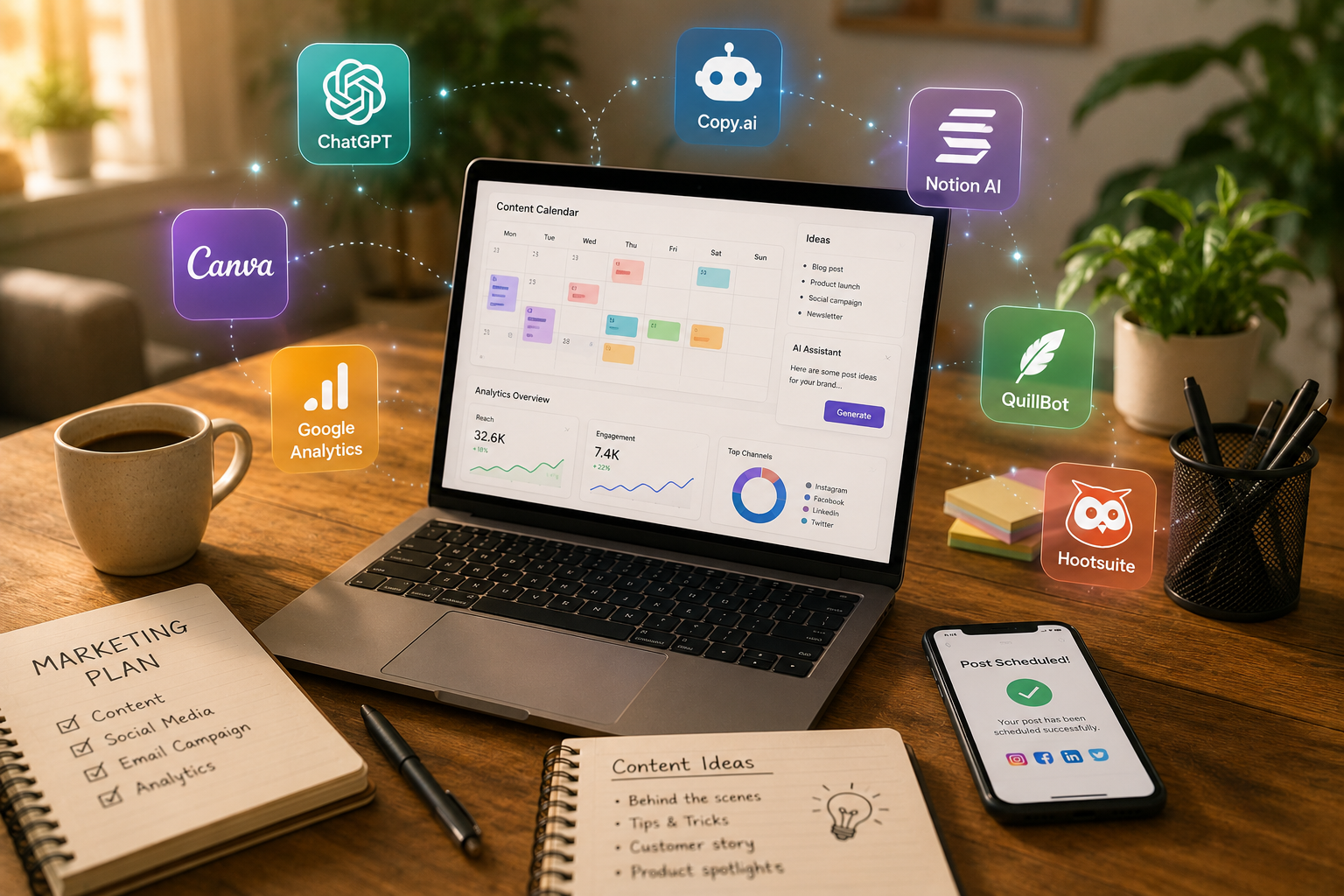
I’ve been testing free AI tools for marketing since this whole wave started, back when people still debated whether AI-written captions sounded “off.” A lot of what I tried turned out to be a waste of time — clunky dashboards, half-finished chatbots, tools that promised the world and delivered a login screen.
But a small group of these tools earned a permanent spot in my browser, and I still open them most mornings before I even check email. This isn’t a “50 tools you must try” list. It’s the short, honest version I wish someone had handed me a couple of years ago, instead of the endless free trials that quietly turned into monthly charges.
What Actually Counts as “Free” Here
Let’s get one thing straight first: a lot of “free” software is really just a seven-day trial in disguise.
None of that is on this list. Every tool below has a free tier you can genuinely use — not a taste, not a countdown clock ticking away in the corner. Some limit your monthly credits. Others cap seats or exports. Fair enough.
What you won’t find here is a tool that hides everything useful behind a paywall the second you try to do real work with it.
There’s also a real difference between “free forever” and “free while a startup burns investor money to grow its user base.” I can’t guarantee every tool on this list stays free — nothing in software ever really does. What I can say is that, right now, each one gives a small marketing team enough room to build an actual workflow, not just poke around for an afternoon.
Before you keep reading, think about the two or three tasks eating up most of your week. Drafting content? Building reports nobody opens? Manually posting the same thing across five platforms? Keep that in mind — the right tool depends entirely on which bottleneck is actually slowing you down.
Writing and Copy
 Writing is usually where people start, and it’s where the time savings show up fastest.
ChatGPT’s free tier is still a reliable workhorse for outlines, subject lines, and ad variations — the daily grind of first-draft writing. It won’t match your brand voice right away. Nothing does on the first try.
Claude’s free plan tends to hold up better over longer pieces — blog drafts, email sequences, anything where the tone needs to stay consistent across a few thousand words. I reach for it when something needs to sound like a person wrote it, not a press release.
Copy.ai’s free plan is well suited to shorter, punchier tasks like product descriptions or ad hooks. It won’t replace a strategist, but it’s good for breaking through a block.
Industry surveys have generally shown content creation as the leading use case for AI among marketers, ahead of research or chatbot work — which lines up with what most teams experience early on: writing is usually the first thing tested.
One habit worth adopting: never publish a first draft as-is. Most marketers who get good results still revise AI output before it goes live. A couple of editing passes fix the generic tone fast.
If you’re comparing your messaging against competitors, some marketers get value from dedicated positioning-comparison tools built specifically for that kind of analysis — worth exploring if unclear messaging is a bigger problem for you than raw word count.
Grammarly’s free tier is worth keeping around too, mostly because it catches the small stuff that makes AI writing feel like AI writing — repeated sentence openers, awkward transitions, that overly smooth but empty tone. Run everything through it before publishing, whether a person or a model wrote the first draft.
None of these tools understand your customers the way you do — and that’s worth repeating often. They’re fast at producing words. They’re not fast at knowing which words matter to the person actually reading them. Closing that gap is still your job.
Visuals and Design
Nobody wants to hire a designer for every single social tile, especially on a tight budget.
Canva’s free plan bundles in a “Magic” suite — background removal, text-to-image, basic video editing — that covers an enormous amount of ground for a solo marketer or small team, no card required.
Adobe Firefly’s free tier is worth a look too, especially for product photography or anything that needs to look polished rather than playful. Its generative fill feature alone has saved real hours of manual editing.
Google has also been pushing into this space with tools like Pomelli, which studies your existing brand assets and generates on-brand imagery with minimal setup — useful if design instinct (or time) is in short supply.
Microsoft Designer, free with a Microsoft account, is another one that sneaks up on you. It’s built for quick social graphics and slides, and it punches above its price tag.
Whatever you choose, resist the urge to over-polish. A slightly imperfect graphic posted today usually beats a perfect one still sitting in drafts next week.
Social Scheduling
Social scheduling used to mean staring at a calendar grid every Sunday. Not so much anymore.
Buffer’s free plan now includes AI caption suggestions — not perfect, but genuinely useful when you’re stuck rewriting the same line for the fifth time.
Later’s free tier leans visual-first, in keeping with its Instagram roots. Its AI captioning reads your uploaded image and drafts something contextually relevant — better than staring at a blank box.
Meta’s Advantage+ suite inside Ads Manager uses AI to test creative combinations automatically, even on a small budget, handling split-testing grunt work nobody enjoys doing manually.
TikTok’s Smart Creative tools do something similar, suggesting trending sounds and pacing based on what’s performing well in your niche. Treat these as a starting point, not gospel — trends move fast.
One caution: don’t let a scheduling tool talk you into posting more than your team can actually sustain. Consistency tends to beat volume.
Analytics and Reporting
This is where small teams often fall behind — not because the data’s missing, but because nobody has time to read it properly.
Google Analytics’ built-in AI insights now flag anomalies automatically — a traffic spike or sudden drop — instead of making you dig for them. It won’t replace a real analyst, but it catches things a busy person would otherwise miss.
Looker Studio, also free, connects to most marketing data sources and lets you build dashboards without writing code. If you want a deeper walkthrough on structuring dashboards people actually read, this guide to AI data visualization tools is worth pairing with it.
A quick comparison of the free analytics options worth your time:
| Tool | Best For | Free Tier Limit | Learning Curve |
| Google Analytics 4 | Website traffic & behavior | Unlimited, some feature caps | Moderate |
| Looker Studio | Custom dashboards | Free, unlimited reports | Moderate |
| Meta Business Suite Insights | Social performance | Free with any ad account | Low |
| HubSpot Free CRM Reports | Sales & marketing overlap | Limited report types | Low |
None of this requires a data science degree — that’s the point.
One habit worth building regardless of tool: block off fifteen minutes every Friday to actually read whatever dashboard you built. It sounds obvious, but few teams do it consistently, and dashboards end up as expensive wallpaper instead of decision tools.
Meta Business Suite’s free insights panel also surfaces AI-flagged trends now — an engagement dip, an unusually strong post — instead of burying them three tabs deep.
Automation and Email
Automation is usually where free tools hit their limits fastest, so keep expectations realistic here.
Mailchimp’s free plan includes basic AI subject-line testing and send-time optimization — genuinely useful if your list stays under the free contact cap.
HubSpot’s free CRM tier bundles in workflow automation, chatbot building, and lightweight lead scoring. Not the enterprise version, but it covers more than expected for a scrappy team.
Zapier’s free plan caps you at a modest number of monthly automated tasks, which is often plenty for a small team. Connect form submissions to your CRM, your CRM to Slack, and a chunk of manual busywork quietly disappears. For a broader look at stitching several free tools together so they actually talk to each other, this roundup of AI automation tools is a solid next read.
The trade-off with free automation tiers is almost always volume, not capability. You’ll hit a ceiling eventually — usually later than you’d expect.
AI Visibility and Search
Search behavior has shifted, and plenty of marketers are still catching up.
A large majority of marketers now report using or planning to use SEO tuned for AI-powered search, not just traditional search engines — a sign of how quickly the industry is adjusting.
Tools like Google Search Console still matter, but newer AI-visibility trackers are worth pairing alongside them, since they show how often your brand shows up inside AI-generated answers rather than just traditional search results. This breakdown of the best AI visibility tools is a good place to start if you want to go deeper on that specific angle.
A Few Tools Worth Skipping For Now
Not everything trending on marketing Twitter deserves a spot on your stack — I’ve fallen for a few of these myself.
Generic “AI marketing strategy generators” that spit out a full plan from three form fields tend to produce output vague enough to fit any business. If a tool’s output could describe your competitor just as easily as it describes you, it isn’t doing real strategic work.
Free-trial CRMs marketed heavily as “AI-powered” often bury the actual AI features behind a paid tier, leaving the free version feeling like bait-and-switch. Read reviews before investing real workflow time.
Be cautious, too, with anything promising to fully automate ad spend decisions on a free plan. Budget calls deserve a human check, even when AI handles the analysis.
How to Pick the Right Free Tool
Don’t grab every shiny tool you spot on a marketing subreddit — that’s how you end up with a dozen half-used logins by March.
Start with your biggest bottleneck. Writing? Design? Reporting nobody reads? Pick one tool that solves that specific problem, use it for a month, then look for the next gap.
Small teams especially benefit from this kind of restraint — using AI well tends to help smaller teams move faster without the overhead bigger companies carry.
Common Mistakes to Avoid
Publishing without editing. AI drafts sound close to right, which is exactly what makes them easy to skip over.
Ignoring free-tier limits until you hit a wall mid-campaign. Read the fine print before building a workflow around a fifty-credit-a-month tool.
Treating every tool as a strategy replacement. It isn’t. A free AI writer doesn’t know your customers — you still do.
Letting default settings shape your brand voice. Most AI writers default to a generic, upbeat tone unless you steer them elsewhere. Feed in real examples — actual emails, past posts — and the output improves within a session or two.
Forgetting free tiers change without warning. A feature that’s free today might sit behind a paywall next quarter. Keep an eye on release notes for whatever tools anchor your workflow.
Quick Comparison by Category
| Category | Top Free Pick | Watch Out For |
| Writing | ChatGPT, Claude | Generic tone without editing |
| Design | Canva Magic Studio | Free credit limits |
| Social | Buffer, Later | Post limits per month |
| Analytics | Google Analytics 4 | Steeper setup curve |
| Automation | HubSpot Free CRM | Feature gating past a point |
Frequently Asked Questions
Are free AI tools for marketing actually good enough for a small business?
Yes, for most day-to-day tasks like drafting posts, scheduling content, or basic reporting. They struggle with deep strategy work, so pair them with your own judgment.
Which free AI tool is best for writing marketing copy?
Claude and ChatGPT both handle copy well, though Claude tends to hold tone better across longer pieces. Try both on the same brief and see which needs less editing.
Do free AI marketing tools have hidden costs later?
Sometimes — usually through credit caps, contact limits, or seat restrictions rather than surprise charges. Check the pricing page before building a workflow around one.
Can AI tools replace a marketing team entirely?
No. They speed up repetitive tasks like drafting, scheduling, and basic analysis, but strategy and relationship-building still need real people.
How many free AI tools should a small team actually use?
Fewer than you’d think — three or four well-chosen tools covering writing, design, social, and reporting usually beat a scattered pile of a dozen half-used logins.
Do free AI visibility tools track how brands appear in AI search answers?
Some do, and it’s becoming more relevant as AI-powered search grows. Pairing a visibility tracker with traditional Search Console data gives a fuller picture.
What’s the biggest mistake beginners make with free AI marketing tools?
Publishing the first draft without editing. AI output often reads smoothly but lacks specific detail — a human pass to add real examples matters more than people expect.
Do I need technical skills to use most free AI marketing tools?
Not really. Most are built for non-technical marketers with drag-and-drop interfaces and plain-language prompts, though some patience for trial and error helps.
Final Thoughts
So where does that leave you — sitting with a browser full of new tabs and a little decision fatigue? Start smaller than you think you need to. Pick one bottleneck — writing, design, reporting — and try a single free tool against it for a few weeks before adding anything else.
The free AI tools that actually stick around in someone’s daily workflow tend to share one trait: they solve one specific, annoying problem instead of promising to reinvent your whole strategy overnight. Canva fixes the “I need a graphic in ten minutes” problem. Claude fixes the blank-page problem. Looker Studio fixes the “nobody reads our reports” problem. None of them fix a strategy that’s fundamentally unclear — and that was never their job.
Free doesn’t automatically mean lesser anymore, either. The free tiers on tools like Google Analytics, HubSpot’s CRM, and Canva are genuinely capable today, not watered-down demos designed to nag you into upgrading. The paid versions add scale, not competence.
What matters more than the tool list is how you actually use it: editing AI drafts instead of publishing them raw, checking analytics instead of letting dashboards sit unread, testing one workflow at a time instead of bolting six new platforms onto your stack in a single weekend. That discipline matters more than which logo sits on the tool you picked.
Try one thing from this list this week. Not five — one. See if it actually saves you time before hunting for the next shiny option, because that restraint is what really moves a marketing team forward.

An IT career coach with 7 years of experience helping beginners map out certification paths that actually lead to interviews, not just another resume line. He’s guided dozens of career-switchers through their first AWS or CompTIA exam and writes for itechnova.io, covering IT certifications, cybersecurity, and the software tools people actually need to know.