

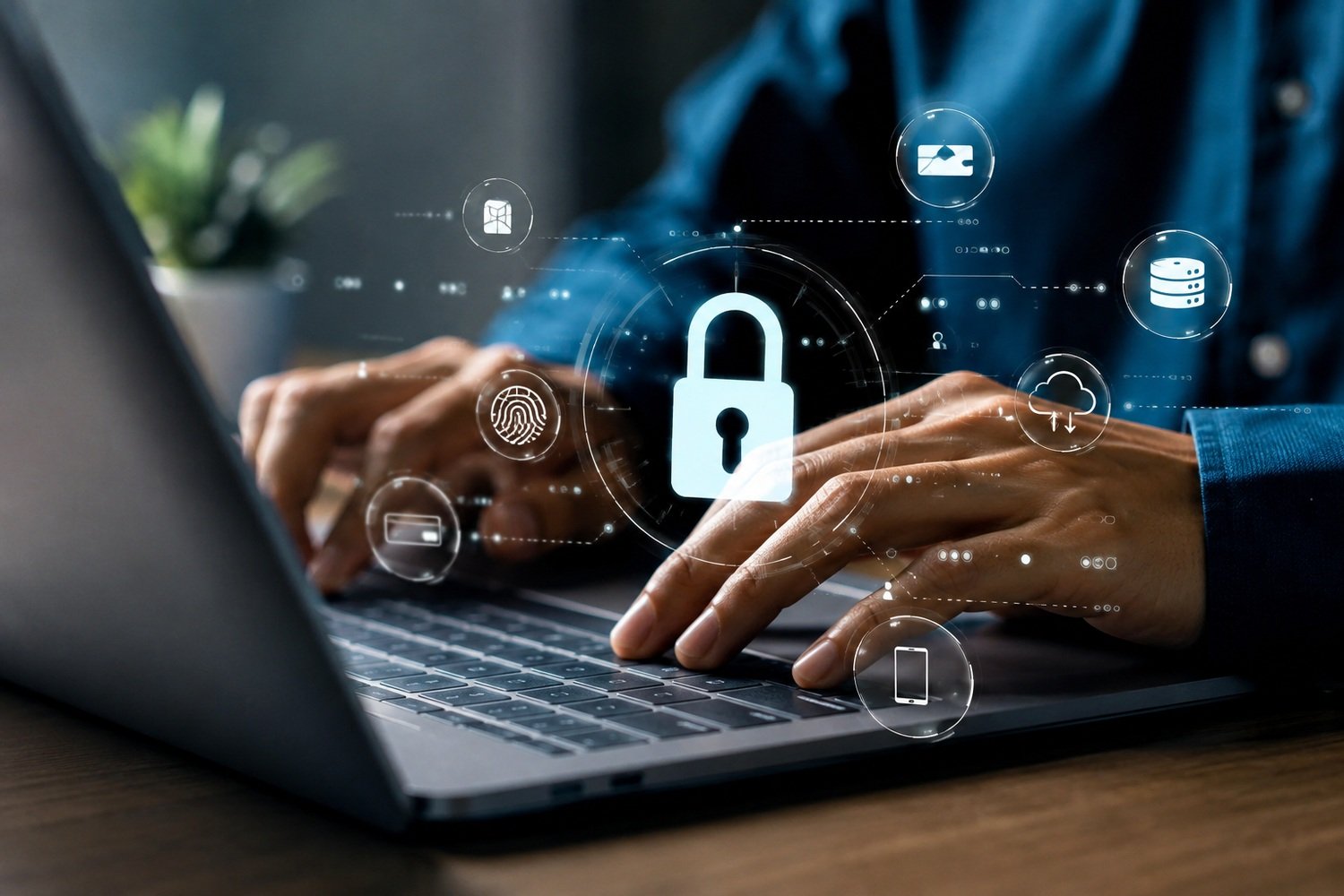
Cybersecurity tips get thrown around so much online that most of them stop meaning anything. You’ve probably read a dozen articles telling you to “use strong passwords” and just scrolled past, because everyone says that. But here’s the thing — the cybersecurity tips that actually matter aren’t the obvious ones.
They’re the small habits nobody bothers explaining properly, the settings buried three menus deep, the stuff that separates someone who gets hacked from someone who doesn’t. I’ve spent enough time cleaning up after breaches to know which advice is real and which is just filler. So let’s skip the fluff and get into what actually works.
Why Most People Ignore Cybersecurity Tips
Honestly? Most cybersecurity tips sound boring, and boring advice doesn’t stick. People hear “update your software” and their eyes glaze over immediately.
That’s the real problem with most cybersecurity tips: they’re not wrong, just delivered in a way nobody remembers past Tuesday. A tip only works if you actually do it, and most people don’t until something bad happens first.
How To Build Better Password Habits
Passwords are still where most damage starts. Reused passwords across five accounts means one leaked database can wreck your whole digital life.
A password manager fixes this in about ten minutes. Turn on two-factor authentication everywhere it’s offered, even if it feels like an extra step you don’t have time for. You’ll thank yourself later, probably during an actual attempted breach. These password-focused cybersecurity tips work whether you’re tech-savvy or you barely know what a router does.
Is Investing In Cybersecurity Worth It
People ask this a lot, usually right after something’s already gone wrong. Short answer: yes, and following basic cybersecurity tips is cheaper than you think compared to recovering from an incident.
If you’re weighing whether to go deeper — training, certifications, maybe even a career shift — it helps to know what’s realistic. Checking expected salary ranges before committing time to courses saves you from chasing something that doesn’t pay off the way influencers claim it does.
Common Mistakes That Invite Hackers In
Public Wi-Fi without a VPN. Clicking links in texts from “your bank.” Leaving default router passwords untouched for years. These aren’t rare mistakes — they’re basically the default state for most households.
Another one nobody talks about: oversharing on social media. Birthdays, pet names, old school mascots — all of that feeds password guesses and security question answers more than people realize. Basic cybersecurity tips like these would prevent most of it, honestly.
Budget-Friendly Cybersecurity Tips For Beginners
You don’t need enterprise tools to stay reasonably safe. Free password managers, built-in OS firewalls, and browser extensions that block trackers cover most of what an average person needs.
Spend money where it actually matters instead: a decent backup solution and maybe a paid VPN if you travel often. Everything else can wait until your situation gets more complicated. These budget cybersecurity tips prove you don’t need deep pockets to stay reasonably protected. If you’re aiming for something more structured, hands-on internship programs often teach more in a month than self-study ever does.
What Changed In Cybersecurity Advice Lately
A few years ago the advice was mostly “install antivirus and move on.” That’s not enough anymore — attackers moved to phishing, social engineering, and fake login pages that look pixel-perfect.
Multi-factor authentication went from optional to basically mandatory. Passkeys are creeping into the mainstream too, and honestly, they’re a relief after decades of password fatigue. The best cybersecurity tips today look pretty different from the ones circulating five years ago.
Cybersecurity Tips Companies Wish You Knew
Employees are usually the weakest link, not the firewall. One careless click on a fake invoice can undo years of infrastructure spending, which is exactly why employee-facing cybersecurity tips matter as much as technical ones.
Companies that survive incidents well tend to have trained their people first and bought tools second. If you’re exploring cybersecurity career paths, understanding this employee-first mindset will make you far more useful in an interview than reciting tool names.
Tools That Make Cybersecurity Less Painful
A password manager, a reputable VPN, and an ad/tracker blocker cover roughly eighty percent of daily risk for a regular person. Add automatic backups and you’ve closed most easy entry points.
For anyone going further, sandbox environments and network monitoring tools are worth learning, even casually. You don’t need to master them, just understand what they’re for. These tool-based cybersecurity tips cover the basics without demanding a computer science degree. Here’s a rough breakdown of what these cybersecurity tips actually cost in practice:
| Tool Type | Best For | Rough Cost |
| Password Manager | Reusing weak passwords | Free–$3/mo |
| VPN | Public Wi-Fi safety | $3–$10/mo |
| Backup Service | Ransomware recovery | $5–$12/mo |
| Ad/Tracker Blocker | Reducing exposure | Free |
| MFA App | Account takeover prevention | Free |
When Should You Call In Professionals
If you’re running a business with customer data, DIY only gets you so far. There’s a point where hiring out actually saves money versus cleaning up after an incident.
Bringing in managed security services makes sense once you’re handling sensitive data at scale, or once compliance requirements start showing up in contracts you’re trying to sign. At that point, personal cybersecurity tips aren’t enough on their own.
Real Costs Behind Ignoring These Tips
Ignoring basic cybersecurity tips isn’t free, it just delays the bill. Ransomware recovery, downtime, lost customer trust — these add up fast, way faster than prevention ever would.
Individuals face smaller but still painful versions: drained accounts, stolen identities, months spent disputing fraudulent charges — exactly what basic cybersecurity tips are meant to prevent. It’s worth running your passwords through a check now — you can check pwned password databases in under a minute and see if anything’s already compromised.
For anyone wanting an official baseline beyond personal habits, CISA’s best practices guide breaks down organizational-level cybersecurity tips in plain language, which pairs well with the everyday habits covered here.
Frequently Asked Questions
What’s the single most important cybersecurity tip for beginners?
Out of all the cybersecurity tips out there, enabling two-factor authentication everywhere possible blocks the majority of account takeover attempts even if your password leaks.
How often should I update my passwords?
Only when there’s a reason — a breach notice, shared access, or suspicious activity. Constant forced changes actually weaken security habits.
Is a free VPN safe to use for cybersecurity?
Usually not fully. Many free VPNs log or sell data, which defeats the privacy purpose entirely, so a cheap paid option is safer.
Do small businesses really need cybersecurity tips, or just big companies?
Small businesses get targeted more often precisely because attackers assume weaker defenses. Basic cybersecurity tips matter just as much for them, arguably more.
Can antivirus software alone keep me safe?
No, not anymore. Antivirus catches known threats, but phishing and social engineering slip past it entirely, so habits matter more than software.
What’s the fastest win for improving personal cybersecurity today?
Set up a password manager and enable MFA on your email account first, since email resets access to almost everything else.
Are cybersecurity certifications worth pursuing for a career change?
Often yes, especially entry-level ones that pair with practical experience — combine them with everyday cybersecurity tips and you’ll stand out faster in interviews.
Conclusion
None of this is about becoming paranoid or living behind ten locked doors. Good cybersecurity tips are really just a handful of boring habits done consistently — a password manager here, two-factor authentication there, a little more skepticism toward random links and unexpected texts. Most breaches don’t happen because someone was outsmarted by a genius hacker. They happen because someone was tired, in a hurry, or just never got around to fixing the obvious gap. That’s honestly good news, because these cybersecurity tips mean the fix is within reach for almost anyone reading this.
Start small. Pick one thing from this list — maybe the password manager, maybe finally turning on MFA — and do it this week instead of bookmarking it for later. Cybersecurity tips only work when they turn into habits, not when they sit in a browser tab you’ll open “eventually.” The people who avoid the worst outcomes usually aren’t security experts. They’re just the ones who acted on the boring advice before they had a reason to regret ignoring it. Treat this less like a checklist and more like maintenance — something you revisit every few months, the same way you’d check smoke detectors or rotate tires. Cybersecurity isn’t a one-time project you finish and forget. It’s an ongoing habit, and the sooner it becomes routine, the less it’ll ever feel like a chore.

An IT career coach with 7 years of experience helping beginners map out certification paths that actually lead to interviews, not just another resume line. He’s guided dozens of career-switchers through their first AWS or CompTIA exam and writes for itechnova.io, covering IT certifications, cybersecurity, and the software tools people actually need to know.
3 thoughts on “Proven Cybersecurity Tips Everyone Finds Essential”